
Election campaigns tell voters what politicians promise to do. Voting records show what elected officials actually do once they are in office.
Whether you are following a congressional spending bill, a North Carolina education proposal, a Raleigh rezoning case or the Wake County budget, several free online tools can help you examine the decisions made by your representatives.
Here is how North Carolina residents can identify their elected officials, track legislation and review voting records at every level of government.
Start by Identifying Your Political Districts
Before reviewing voting records, confirm which officials represent your address. Political boundaries do not always match city limits, ZIP codes or county lines.
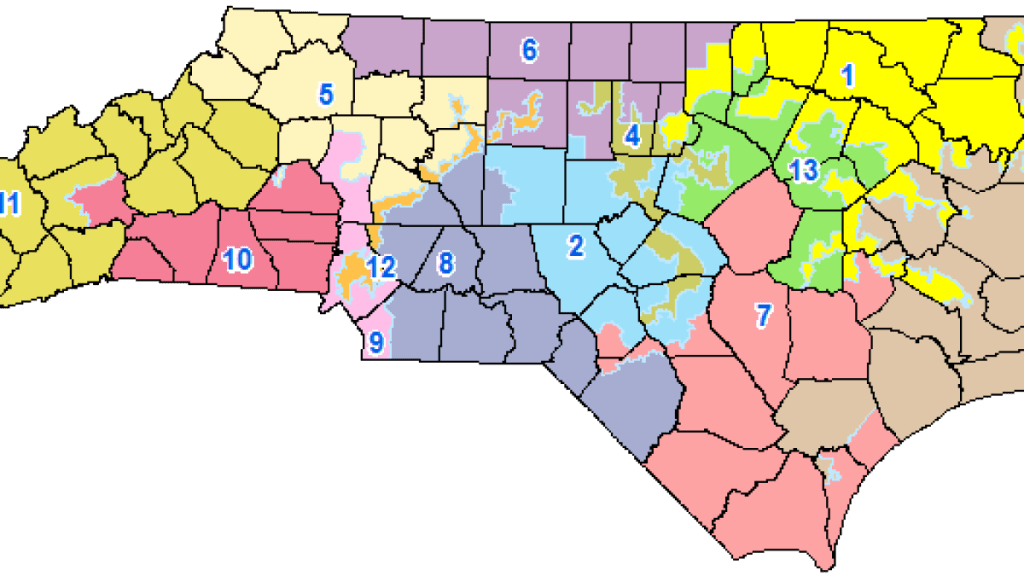
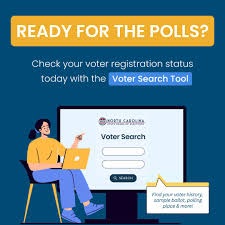
The North Carolina State Board of Elections Voter Search provides registered voters with information that may include:
- Congressional district
- North Carolina House district
- North Carolina Senate district
- County and municipal jurisdictions
- School board district
- Election Day polling place
- Sample ballot when one is available
The voter-history section shows which elections you participated in—not which candidates you selected. Your ballot choices remain private.
You can also use the North Carolina General Assembly’s Find Your Legislators page to locate your state representative and state senator.
How to Track Votes in Congress
North Carolina is represented in Washington by two U.S. senators and members of the U.S. House of Representatives.
Use Congress.gov

Congress.gov is the federal government’s primary legislation-tracking website. Search by:
- Bill number
- Bill title
- Policy topic
- Sponsor
- Keyword
After selecting a bill, review its summary, text, sponsors, committee activity and legislative history. Open the “Actions” section to find recorded House and Senate votes connected to the legislation.
Be careful to identify the exact vote you are reviewing. A bill may receive separate votes on amendments, procedural motions, final passage or a presidential veto override.
Check House roll-call votes

The Office of the Clerk of the U.S. House publishes official House roll-call results. Select a Congress, session and roll-call number to see:
- How every representative voted
- The total number of “yea” and “nay” votes
- Members listed as present or not voting
- The question considered
- Whether the motion passed or failed
Check Senate votes
The U.S. Senate roll-call vote database provides official Senate vote totals and the position taken by each senator.
Congress.gov also links applicable bill actions to official House and Senate roll-call pages, making it easier to connect a vote with the legislation being considered.
Use independent tracking services carefully
Services such as GovTrack can make congressional records easier to search and understand. Advocacy organizations also publish scorecards ranking legislators on selected issues.
These resources can be useful, but voters should verify important claims against Congress.gov, the House Clerk or the Senate’s official records. Scorecards may only include votes selected by the organization producing them.
How to Track North Carolina General Assembly Votes
The North Carolina General Assembly website is the official source for state bills and legislative voting records.
Search for a state bill
Open the site’s Bills and Laws section and search using a bill number, keyword or subject.
A bill’s page may include:
- Current and previous editions
- Sponsors and co-sponsors
- Bill summaries
- Committee referrals
- Amendments
- Fiscal notes
- Legislative actions
- House and Senate votes
- Whether the bill became law
- Gubernatorial action
A bill can change substantially as it moves through committees and between chambers. Always check which edition was under consideration when a vote occurred.
Review a legislator’s complete vote history
The General Assembly’s Vote Reports section allows users to search:
- House member vote history
- Senate member vote history
- Member vote statistics
- Roll-call vote history
- Roll-call vote transcripts
The General Assembly confirms that its member-vote-history reports provide the voting record for each state representative and senator.
This is one of the fastest ways to compare what a legislator said publicly with how that person voted in Raleigh.
Understand the abbreviations
North Carolina legislative records may use several voting labels:
- Aye: Voted in favor
- No: Voted against
- N/V: Did not vote
- Excused absence: Officially excused from attending
- Excused vote: Excused from voting
- Present: Attended but did not cast a yes-or-no vote, when applicable
A “not voting” designation does not automatically explain why a lawmaker did not participate. Contact the legislator’s office if the reason is important to your research.
What About the Governor?
The governor does not vote on bills in the General Assembly. After legislation passes both chambers, the governor may sign it, veto it or allow it to become law without a signature when permitted by law.
To evaluate a governor’s record, track:
- Bills signed
- Bills vetoed
- Executive orders
- Budget proposals
- Appointments
- Public statements
- Whether vetoes were overridden
The same distinction applies at the federal level: the president does not cast congressional votes but can sign or veto legislation approved by Congress.
How to Track Raleigh City Council Votes
Local votes can directly affect property taxes, development, housing, public safety, parks, transit and neighborhood growth.
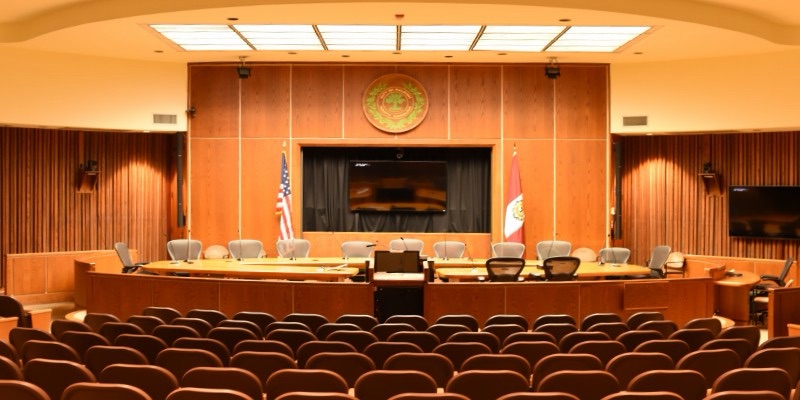
The City of Raleigh maintains a City Council meetings page with:
- Meeting schedules
- Upcoming agendas
- Agenda packets
- Approved minutes
- City Council highlights
- Meeting videos
- Archives of previous meetings
To investigate a Raleigh City Council decision:
- Open the agenda for the meeting when the issue was considered.
- Search for the case number, project name, address or agenda item.
- Review the staff report and supporting documents.
- Watch the meeting video to hear the discussion.
- Check the minutes for the motion, amendments and final outcome.
Meeting minutes may not be available immediately because the council generally must approve them at a later meeting.
Some local decisions are approved unanimously or as part of a consent agenda. If the minutes only report that a motion passed, watch the video or contact the city clerk to determine whether an individual roll-call vote occurred.
Tracking Wake County Commissioner Votes
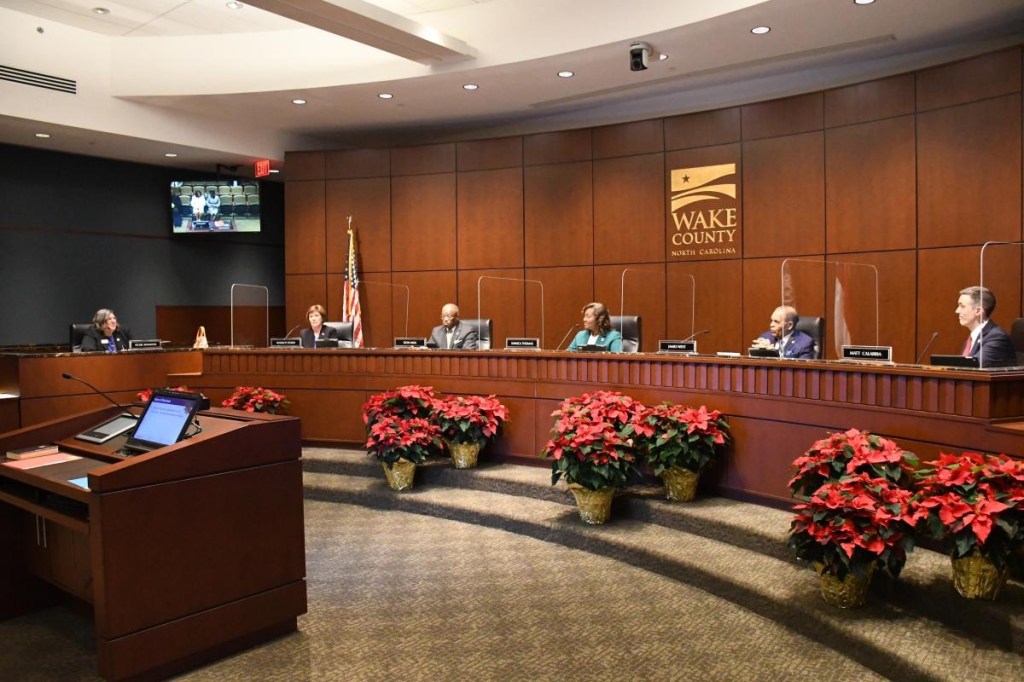
The Wake County Board of Commissioners meeting portal provides access to meeting calendars, agendas, agenda packets, minutes and videos.
County commissioners make decisions involving:
- Property taxes
- County budgets
- Public health
- Affordable housing
- Libraries
- Emergency services
- Human services
- School funding
- Land use and capital projects
Search the meeting records by date or subject. When reviewing a decision, look for the exact motion and any amendments—not just the final vote on the entire agenda.
Following the Wake County School Board
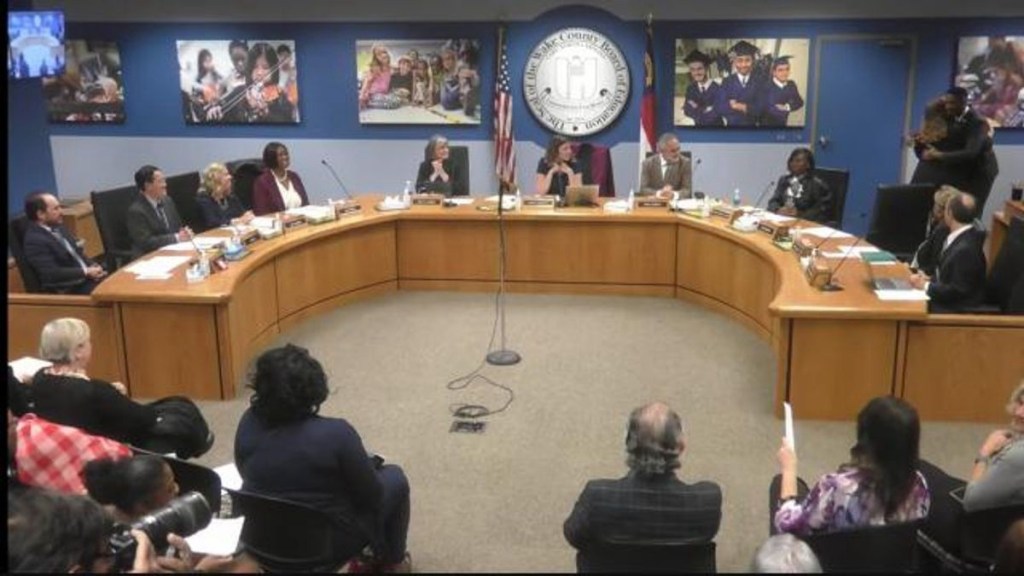
The Wake County Board of Education website offers meeting calendars, board materials and links to meeting broadcasts.
School board decisions can affect:
- Student assignments
- School construction
- Employee compensation
- Academic policies
- Transportation
- Safety rules
- Calendars
- Budgets
Review the agenda before a meeting, watch the discussion and return later for the approved minutes. As with city and county government, not every decision will include a separately published member-by-member roll call.
Tracking Other North Carolina Cities and Counties
Residents outside Raleigh and Wake County can use the same basic process.
Search your city, town or county’s official website for:
- Governing board
- Mayor and council
- Board of commissioners
- Agendas and minutes
- Meeting portal
- Public notices
- Video archive
If a vote is unclear, contact the municipal or county clerk and request the approved minutes, voting record or applicable public record.
North Carolina’s 100 county boards of elections can also help residents identify the offices and districts connected to their address.
Common Mistakes to Avoid
Confusing sponsorship with a vote
Sponsoring a bill shows support for introducing it, but it is not the same as voting for final passage.
Looking only at the bill title
Titles can be broad, political or incomplete. Read the bill summary and the version considered during the vote.
Ignoring procedural votes
A vote to table, refer, reconsider or end debate can determine whether a proposal advances—even when it is not labeled as a final vote.
Treating an absence as a “no”
An absent or non-voting member did not necessarily oppose the proposal. Check the official classification and ask the official’s office for an explanation.
Relying entirely on social media
Screenshots and political posts often omit amendments or identify the wrong vote. Find the bill number, meeting date and official record before sharing a claim.
Turn Voting Records Into Civic Action
Once you locate a vote, contact the elected official and ask for an explanation. A useful message should include the bill, case or agenda number and the date of the vote.
Residents can also:
- Subscribe to government meeting notifications
- Read agendas before decisions are made
- Submit written comments
- Speak during public-comment periods
- Attend committee and board meetings
- Save official voting records
- Compare campaign promises with actual decisions
- Share verified information with neighbors
Democracy requires more than voting during an election. Following public officials between elections helps North Carolinians understand who is making decisions, how those decisions affect their communities and whether elected leaders are keeping their promises.
Follow DoRaleigh.com for Raleigh government updates, community news and local event guides.
Connect With Us: Instagram | Facebook | BSky | Linkedin
Share With Us: Post your community News, Events, on our Submissions Page.
Advertise With Us: Interested in Advertising click here.
Published by Bryan Tomlinson | BTDesigns.pro |





You must be logged in to post a comment.