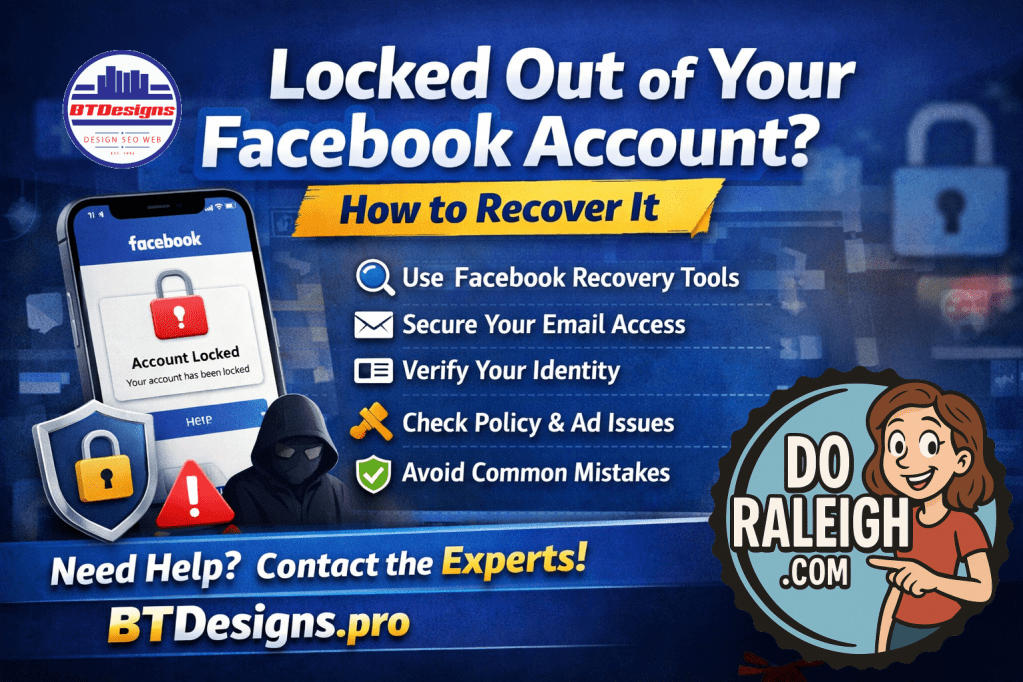
At BTDesigns, we work with business owners, creators, and organizations every week who suddenly lose access to their Facebook accounts — often at the worst possible time. Whether it’s due to hacking, a policy violation, or a verification issue, there are steps you can take to recover your account.
Here are practical ways to recover your Facebook account 👇
⸻
1. Start with Facebook’s Official Recovery Tools
If you’ve lost access, head to Facebook’s account recovery flow:
• Use “Forgot Password” on the login screen
• Visit facebook.com/hacked if your account was compromised
• Follow the identity verification steps carefully
📌 Tip: Use the same device and location you’ve logged in from before — this improves success rates.
⸻
2. Secure Your Email First
Your Facebook recovery depends heavily on email access.
• Regain access to the email tied to your Facebook account
• Check spam and “All Mail” folders for Facebook messages
• Update your email password immediately if you suspect hacking
⸻
3. Complete Identity Verification (Yes, It’s Worth It)
If Facebook asks for ID verification:
• Upload a clear, unedited photo of your ID
• Make sure your name matches your Facebook profile
• Be patient — responses can take several days
⸻
4. Check for Policy or Ad Account Issues
Business accounts are often disabled due to:
• Ad policy violations
• Unusual login activity
• Linked business pages or ad accounts flagged
Visit Meta Business Support and submit an appeal if applicable.
⸻
5. Avoid Common Recovery Mistakes
❌ Submitting multiple appeals at once
❌ Using different emails during recovery
❌ Logging in repeatedly from new devices
❌ Falling for “account recovery services” or scams
⸻
6. Prevent This from Happening Again
Once you’re back in:
• Turn on Two-Factor Authentication
• Add a backup admin to business pages
• Separate personal and business ad accounts
• Review app and user permissions
⸻
Need Help Navigating This?
Recovering a Facebook account can be frustrating — especially when your business depends on it. At BTDesigns, we help clients secure, recover, and future-proof their digital presence so they can stay focused on growth.
Follow DoRaleigh.com for daily updates on government meetings, local festivals, and community happenings — your one-stop guide to everything Raleigh!
Post your community News, Events, and you can request placing a Paid ad on our Submissions Page.